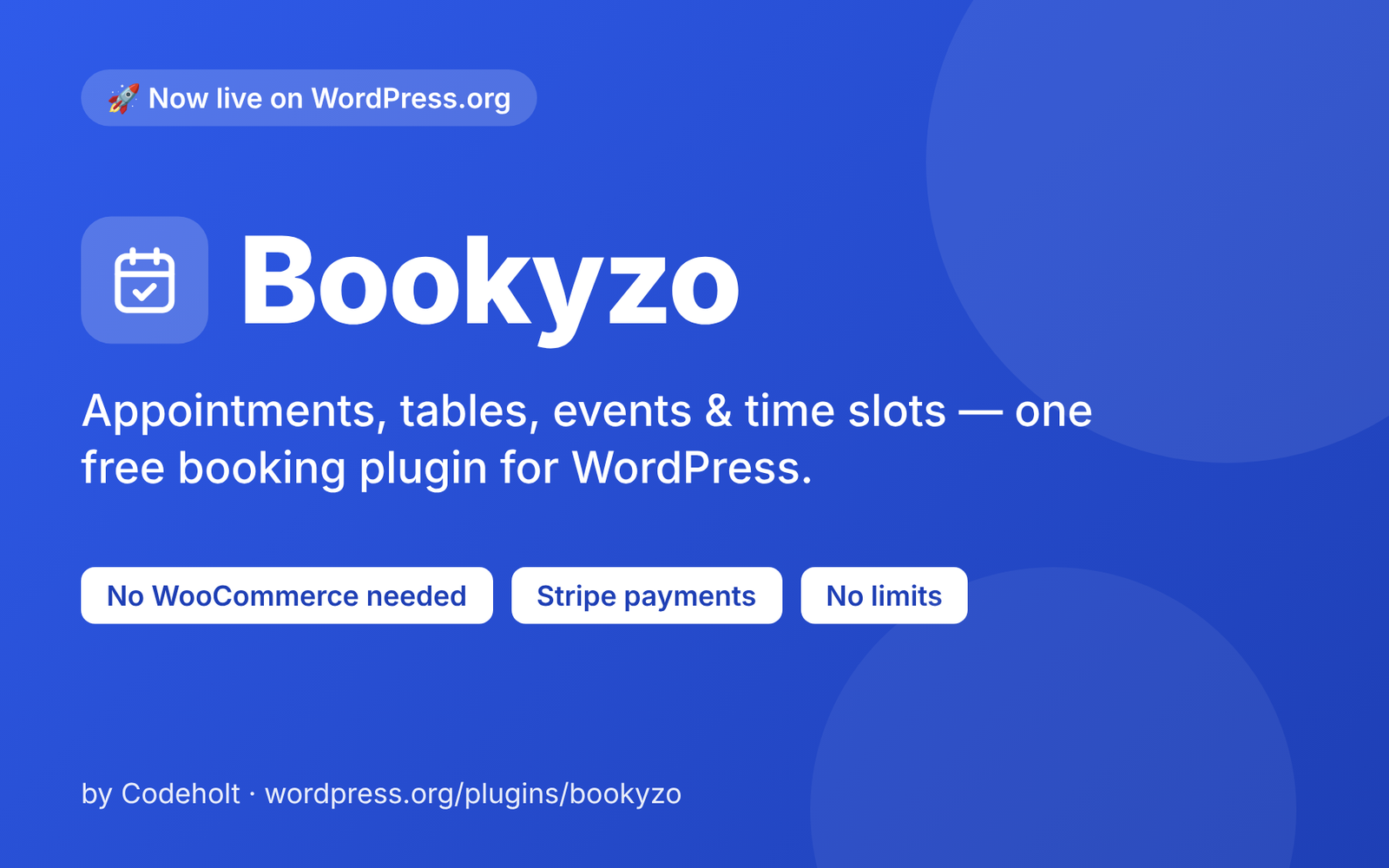
Today we are releasing Bookyzo, a free WordPress booking plugin, on the official WordPress.org plugin directory. This WordPress booking plugin turns your site into a real booking system, whatever you are booking: haircuts, restaurant tables, workshop tickets or a rental slot.
Why we built this WordPress booking plugin
Most booking plugins are built around one use case. If you need appointments, you install one plugin. If you also take table reservations or sell event tickets, you install another, or you pay for a Pro tier, or you depend on an external booking service that holds your customer data. We wanted one plugin that covers all of these, runs on your own site, and does not lock the core features behind an upsell.
Four booking types in one plugin
- Appointment: one staff member, one customer per time slot. Good for haircuts, consultations and tutoring.
- Table: a restaurant table or venue space with a party-size capacity.
- Event: a specific date and time that you create yourself, such as a class, a workshop or a ticketed show, sold by ticket quantity.
- Slot: a generic recurring time slot that can hold more than one booking at once, for rentals, group sessions or anything that does not fit the other three.
Each bookable item gets a name, price and photo, plus the availability that suits its type: a weekly schedule with exceptions (with as many shifts per day as you like, for example lunch and dinner), or specific dates for events.
What the free WordPress booking plugin includes
- Admin calendar: day, week and month views with bookings color-coded by status. You can also add walk-in or phone bookings straight from the calendar.
- Booking list and CSV export: filter by date, item or status, change status inline, and export when you need the data elsewhere.
- Customer booking widget: add it with the
[bookyzo_booking]shortcode, the Booking Form block or the Elementor widget. Customers pick a time, enter their details and can add the booking to Google Calendar or download an .ics file, with no account required. - Customer management: every customer is saved automatically on their first booking, searchable by name, email or phone, with notes, tags and CSV import.
- Email notifications: booking received, confirmed and cancelled emails, plus a reminder the day before. Customers get a self-service link to reschedule or cancel up to your cutoff, and every email template is editable.
- Payments: mark bookings as paid manually for cash, or connect your own Stripe account for online card payments. An optional flat tax rate is added automatically.
- Dashboard: today’s, this week’s and this month’s booking counts at a glance.
- Optional customer accounts: off by default, but customers can manage upcoming and past bookings from a
[bookyzo_account]page when you turn them on.
Built for your site, not ours
This WordPress booking plugin runs entirely on your own WordPress site and stores bookings in your own database. It does not need WooCommerce, a page builder or an external booking service. The admin panel is a Vue-powered interface rather than a wall of settings screens, and there are no limits on the number of staff members, tables, events, slots or bookings you can add.
For developers
The Bookyzo WordPress booking plugin exposes actions and filters across its REST controllers, pricing, rate limiting and notifications, along with a REST API under bookyzo/v1. The hooks make it possible to build add-ons on top of the free plugin, and the full hook list is in the plugin’s documentation.
What about Pro?
Everything described above is complete on its own. Bookyzo Pro is a separate paid add-on for businesses that want more, such as services with per-staff pricing, deposits and PayPal, SMS and WhatsApp reminders, seasonal pricing, custom form fields, a table floor plan, event ticket tiers with QR e-tickets, an analytics dashboard and WooCommerce checkout.
Try it and tell us what you think
This is version 1.0.0 of our WordPress booking plugin, so feedback from real sites will shape what comes next. You can install this WordPress booking plugin from your WordPress dashboard by searching for “Bookyzo”, or download it from the Bookyzo page on WordPress.org. If it is useful to you, a review on the plugin page helps other site owners find it. Curious about our other work? See more WordPress plugins and products from Codeholt.